Invoicing for freelancers follows the same routine with every client: agree your rate, billing model and payment terms before work starts, then send a numbered invoice listing your details, the client's details, the work, the amount and the due date. Add a timesheet summary for hourly work, track what's paid, and follow up on anything late.
This guide covers what's specific to freelancing. For the basics that apply to any business, see our general guide to professional invoicing.
Key takeaways
- Agree the billing model, rate and payment terms in writing first. The invoice should confirm the deal, not introduce it.
- Back hourly invoices with a timesheet summary: the date, hours, rate and a one-line description of each block of work.
- Upwork and Fiverr invoice clients for platform work, so you don't send your own. Taking payment off-platform breaks their terms.
- Tax depends on where you live. The US Form 1099-NEC threshold is $2,000 for payments made in 2026, and the UK VAT registration threshold has been £90,000 since April 1, 2024.
Step 1: Choose a billing model
Your billing model shapes every invoice, so settle it in the proposal or contract. Four models are common, sometimes combined, such as a project fee plus an hourly rate for extra changes.
| Model | Suits | How it looks on the invoice |
|---|---|---|
| Hourly | Open-ended work, editing, ongoing support | UX writing, Nov 2–6, 2026: 12.5 hours × $75.00 = $937.50 |
| Day rate | Shoots, workshops, on-site days | Event photography, Nov 14–15, 2026: 2 days × $650.00 = $1,300.00 |
| Per project | Work with a clear scope and deliverables | Brand identity package per proposal P-031: $4,800.00, often split into deposit and milestone invoices |
| Retainer | Regular monthly work for one client | Content retainer, November 2026, up to 20 hours: $1,500.00, plus a line for any extra hours |
Whichever you pick, define the unit: how long a day is and how half days are billed, what a project fee covers, and how many hours a retainer includes.
Step 2: Include the right details
An invoice for freelance work needs the usual core fields, from a unique number and issue date to the total. Freelancers should also add:
- Your legal name, plus any trading name. As a sole proprietor, you are the business.
- The client's billing details. Their legal name, the person who approves payment and any purchase order (PO) number. A missing PO number can stall an approved invoice.
- The service period. "Work completed November 2–6, 2026" or "Retainer for November 2026".
- The agreement. The proposal or contract number the price comes from.
- How to pay. Accepted methods, bank details, the currency and an actual due date.
- Tax details, only if they apply. Your VAT, GST or sales tax number and the rate.
These professional invoice templates have a place for each field.
What a self-employed invoice needs in the UK
GOV.UK's guidance on what an invoice must include adds the supply date to the usual fields. Sole traders must also show their name and any business name, and, if they trade under a business name, an address where legal documents can be delivered. If you and your client are both VAT-registered, you need a VAT invoice.
Step 3: Add a timesheet summary for hourly work
Hourly invoices get questioned when the client can't see what the hours bought. Record hours as you work, in a notebook, spreadsheet or calendar, then summarize each block with:
- the date;
- the hours, in decimals (1 hour 15 minutes is 1.25);
- your rate;
- a short description of the outcome: "Drafted copy for 12 onboarding screens", not "Writing".
Priya Nair, a freelance UX writer, bills Bluefin Analytics $75 an hour, invoiced weekly. Her summary for the week of November 2, 2026:
| Date | Work done | Hours | Rate | Amount |
|---|---|---|---|---|
| Mon, Nov 2 | Kickoff call; audit of current onboarding copy | 2.50 | $75.00 | $187.50 |
| Tue, Nov 3 | Drafted copy for 12 onboarding screens | 4.00 | $75.00 | $300.00 |
| Wed, Nov 4 | Revisions after design review | 1.50 | $75.00 | $112.50 |
| Thu, Nov 5 | Error messages and empty states | 3.25 | $75.00 | $243.75 |
| Fri, Nov 6 | Final edits; handoff notes for developers | 1.25 | $75.00 | $93.75 |
| Total | 12.50 | $937.50 |
List each block as a line item, or bill the total on one line and attach the summary. If you round, say how, such as up to the nearest 15 minutes, and do it consistently.
Step 4: Decide when to invoice
Match the timing to the billing model and your risk:
- Deposit upfront. For new clients and fixed fees, invoice part of the fee, often 25% to 50%, before you start. Here's how to word a deposit invoice.
- Milestones. On longer projects, invoice as each agreed stage is delivered, for example 30% at signing, 40% at first draft and 30% at launch.
- On completion. For small jobs and reliable repeat clients, invoice the day you deliver, not at month end.
- Monthly retainers. Invoice each retainer at the start of the month and add any extra hours to the next invoice. See this guide to recurring invoices.
- Ongoing hourly work. Invoice weekly or every two weeks. Small invoices are easier to approve.
Step 5: Set payment terms and methods
Payment terms say when the client must pay: due on receipt, Net 7, Net 14 and Net 30 are common. Larger clients often pay in fixed payment runs and may insist on their own terms, so agree them upfront and print the actual due date on the invoice. This explainer on Net 30 payment terms shows the date math.
List the methods you accept, and know what each costs you:
- Bank transfer. Usually cheapest for domestic payments. International transfers can add sending, intermediary and conversion costs, so agree who pays them and state your currency.
- Cards. Convenient for clients, but processors usually keep a percentage of each payment, sometimes plus a fixed fee.
- Payment apps. Quick for small clients, but fees, limits and business-use rules differ, so read the terms before you list one.
Many freelancers build these costs into their rates.
Step 6: Send it and follow up
Send the invoice as a PDF with a short email, putting the invoice number, amount and due date in the subject line. Address it to whoever approves payment and copy their accounts team. These invoice email templates include reminder wording.
Then follow up at a steady rhythm: a friendly note a few days before the due date, a reminder the day after, then firmer messages weekly. When money arrives, record the date and amount and mark the invoice paid. If a client stays overdue, consider pausing new work until they pay.
Freelance invoice example
Here's Priya's invoice for the week in the timesheet above, with an agreed expense added. All names and numbers are fictional.
Invoice
No. PN-2026-041
Issue date: November 9, 2026
Due date: November 23, 2026
Priya Nair, trading as Nair Words
41 Linden Street, Fairview
priya@nairwords.example
Bluefin Analytics Inc.
Attn: Accounts Payable
500 Market Square, Fairview
PO number: BA-7731
| Description | Qty | Unit price | Amount |
|---|---|---|---|
| UX writing, onboarding flow, Nov 2–6, 2026 (see timesheet summary) | 12.5 hrs | $75.00 | $937.50 |
| Icon set license, billed at cost as agreed (receipt attached) | 1 | $48.00 | $48.00 |
Terms: Net 14, due November 23, 2026, per contract C-2026-09. Pay by bank transfer to Priya Nair, Example Bank, account 12345678, quoting PN-2026-041. Timesheet summary attached.
Each detail speeds approval: the period and timesheet reference, the PO number, the expense at cost with a receipt, and a real due date. If you're registered for VAT, GST or sales tax, add a tax line and your registration number.
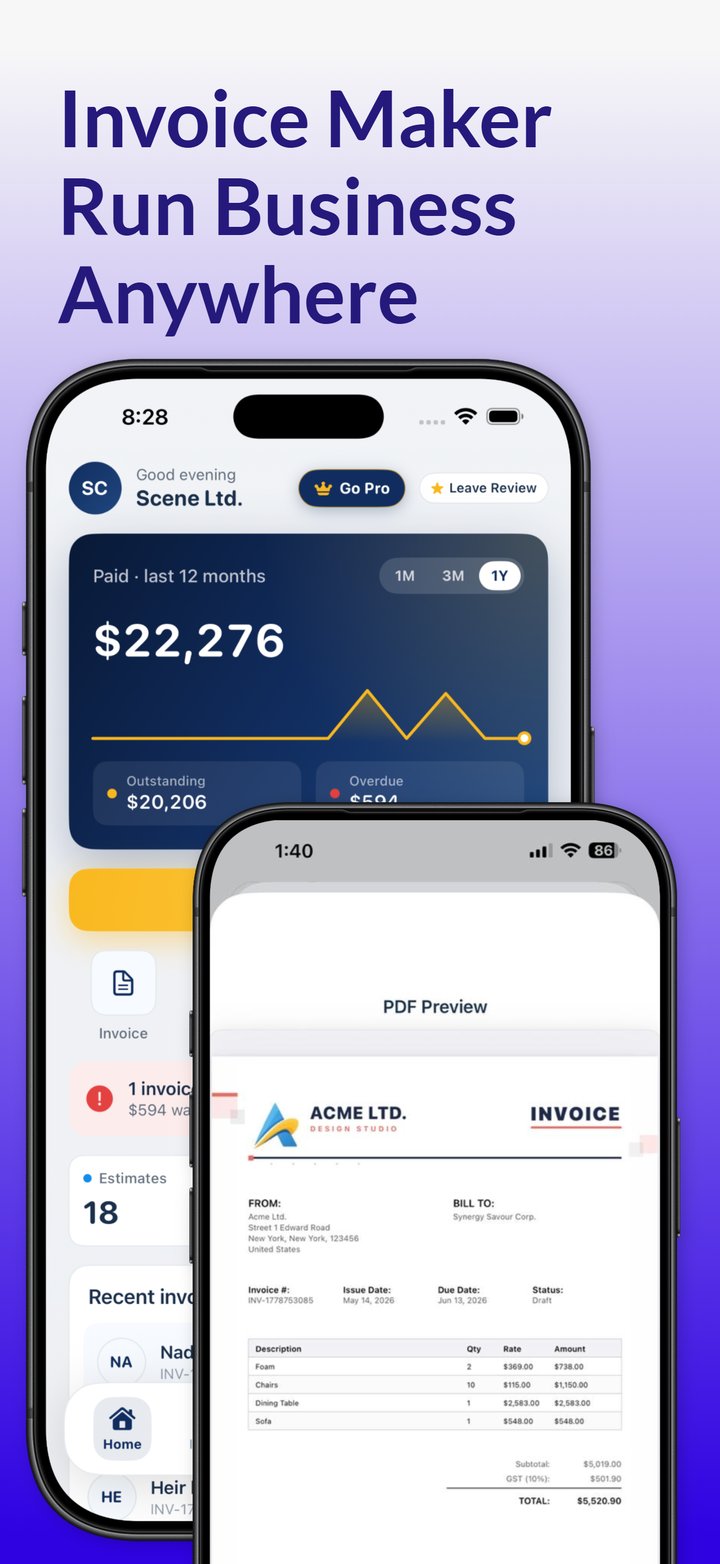
Send your next freelance invoice from your iPhone or iPad. Invoicious is free to download, with optional Premium upgrades.
Get Invoicious freeInvoicing for freelancers on Upwork and Fiverr
On marketplaces, the platform charges the client, takes its fee and produces the paperwork, so you normally don't send an invoice at all. Here's how Upwork and Fiverr handle it as of November 2026.
Upwork invoices
Upwork generates invoices for contract payments, but its help center says they're for record-keeping only: Upwork charges the client automatically, so you take no action. You can download them under Manage finances › Transactions for five years, after which they're deleted. On hourly contracts, Upwork invoices the client every Monday for the previous week's hours.
If you met a client on Upwork, its terms require you to keep all work and payments with them on Upwork for the first two years, unless a conversion fee is paid. The fee is 13.5% of the freelancer's estimated annual earnings (hourly rate × 2,080 hours), or $21,060 at $75 an hour before any discounts. Going off-platform without paying it can lead to permanent account suspension.
Fiverr invoices
Fiverr automatically invoices the client for every paid order, while freelancers get earnings documents instead, such as a Statement of Earnings and, for eligible US freelancers, Form 1099-K. If you want an invoice for your tax records, Fiverr says you may invoice Fiverr itself for your earnings, but it isn't required.
Fiverr's off-platform policy says taking payments outside Fiverr is against its terms, and repeated or severe violations can lead to account suspension.
Download platform invoices or statements monthly for your records. Platform rules change, so check the help pages.
Tax basics for self-employed freelancers
Your invoices are also tax records, so keep copies and set aside part of every payment for tax. Key rules as of November 2026:
United States
- If your net earnings from self-employment are $400 or more, you must file a return and pay self-employment tax of 15.3%: 12.4% for Social Security, up to an annual earnings cap, and 2.9% for Medicare.
- As a sole proprietor, you report business income on Schedule C, and you generally pay estimated tax in four installments (Form 1040-ES) if you expect to owe $1,000 or more. See the IRS Self-Employed Individuals Tax Center.
- You don't send a 1099; your client does. A business paying you $2,000 or more for services in 2026 generally files Form 1099-NEC and sends you a copy early in 2027, usually after asking for your Form W-9. The threshold was $600 for payments through 2025 and may be adjusted for inflation from 2027.
- Card and payment-app payments aren't reported on a 1099-NEC. The card company or app may send you a Form 1099-K instead, and you must report all income whether or not you get a form.
- Whether you charge sales tax on services depends on the state.
United Kingdom
- Register for Self Assessment as a sole trader if you earn more than £1,000 from self-employment in a tax year (April 6 to April 5).
- VAT registration is compulsory once taxable turnover for the last 12 months goes over £90,000, the threshold since April 1, 2024. Below that, it's optional.
- Making Tax Digital for Income Tax has applied since April 6, 2026, to sole traders and landlords whose qualifying income for 2024 to 2025 was over £50,000. The threshold falls to £30,000 from April 6, 2027, and £20,000 from April 6, 2028.
Other countries
VAT and GST thresholds vary. Australia requires GST registration once GST turnover reaches A$75,000, and each EU country can exempt small businesses below a national threshold it sets, up to €85,000.
This is general information, not tax advice. Rules vary by country and change often, so check with your tax authority or an accountant.
Choosing invoicing software: spreadsheet or app?
The right invoicing tool is the one you'll keep up to date. A spreadsheet is free and fine for a few invoices a month, but you number invoices by hand, a copied row can break a formula, and tracking payments means keeping a second sheet. An invoicing app keeps saved clients, templates, automatic totals and payment status in one place, though many charge a subscription or keep features behind a paid tier, so check what's free.
If you want an invoice generator for freelancers on your phone, Invoicious works on iPhone and iPad. It creates invoices and estimates from templates with your logo, calculates tax and discounts, handles multiple currencies and shares PDFs by email or Messages. For retainers, duplicate last month's invoice.