INVOICE
TOTAL
Invoice template
The amounts, tax, total and due date calculate themselves. Opens in Excel, Google Sheets and Apple Numbers.
Home / Templates
Download an invoice, estimate or receipt template for Excel, Word or Google Sheets, or print a blank invoice to fill in by hand. They're free, and you don't need to sign up.
Each file has example rows and a short note on how to use it. Replace the details in [brackets] with your own.
The amounts, tax, total and due date calculate themselves. Opens in Excel, Google Sheets and Apple Numbers.
Change the layout and wording however you like, then save it as a PDF. This template doesn't add up the amounts, so check the total before you send it.
Price a job before you start. It has a "valid until" date and a line for the client to sign when they accept.
Confirm a payment with the date, the payment method and the invoice it settles.
An A4 invoice with ruled lines to fill in by pen, for work on site or at a market stall. Keep a copy of each one you hand over.
One row per invoice. Balances, days overdue and aging buckets calculate themselves, and a summary sheet shows what you're owed.
Rather not edit a file? Fill in an invoice, estimate, quote or receipt in your browser and download it as a PDF.
Use the free invoice generatorWhichever format you choose, check that the invoice has your business name and contact details, your client's details, a unique invoice number, the invoice date and due date, a line for each product or service, the total with any tax shown separately, and how to pay you. If you're registered for VAT or GST, add your registration number. The invoicing guide covers each part, and itemized invoices shows how to write the line items.
To add your logo in Excel or Word, choose Insert, then Pictures, and place it at the top of the page.
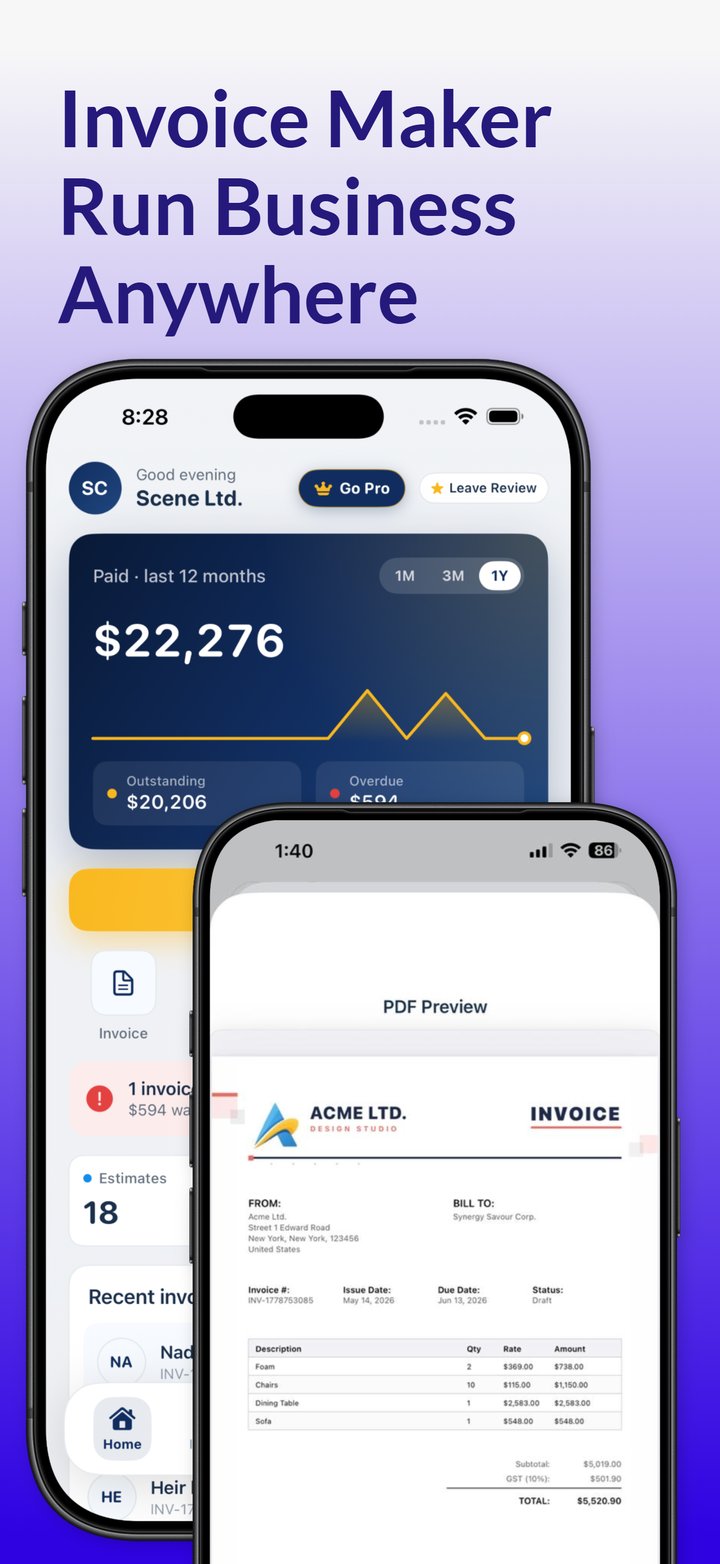
The app for iPhone and iPad has 8 templates. Each one takes your logo and business details, and the app fills in the totals, tax and dates. Three are free, and five come with Premium.

Download Invoicious for iPhone and iPad and see each template with your business details.