The standard invoice email format is short and predictable: a subject line with the invoice number, your business name and the due date; a greeting by name; two or three lines on what the invoice covers, the amount, the due date and how to pay; the invoice attached as a PDF; and a sign-off with your contact details.
Some offices call it the invoice mail format; the parts are the same. Every example below follows one fictional design studio, Fernhill Studio, from its November invoices to a final notice in January.
Key takeaways
- Use the subject line Invoice [number] from [your business], due [date], so one inbox search finds it.
- Repeat the amount, due date and payment reference in the email, and attach the invoice as a clearly named PDF.
- Send the invoice the day the work is delivered, remind 3 days before the due date, and follow up the day after it passes.
The invoice mail format at a glance
Here's how the five parts look for a $2,400 design job:
| Part | Example |
|---|---|
| Subject line | Invoice INV-1042 from Fernhill Studio, due December 3 |
| Greeting | Hi Daniel, |
| Body | I've attached invoice INV-1042 for the packaging design: $2,400.00, due December 3, by bank transfer. |
| Attachment | INV-1042_Fernhill-Studio_2026-11-03.pdf |
| Sign-off | Maya Brooks, Fernhill Studio, (312) 555-0148 |
For what goes on the invoice itself, see the essential elements of a professional invoice.
How to write an invoice email subject line
The subject line is how your invoice gets found again, by the client next week or by their accountant at tax time. Use this formula:
Invoice [number] from [your business], due [date]
For reminders, add a label in front and keep the same invoice number:
- Reminder: invoice INV-1042 due Thursday, December 3
- Overdue: invoice INV-1042 (due December 3)
- Final notice: invoice INV-1042, now 32 days overdue
Put the label and number first, because phones cut long subject lines short. Write the due date as a date: "Net 30" makes the client count, while "due December 3" doesn't (here's how net 30 due dates work).
Avoid subjects that say only "Invoice", "Invoice attached" or "Payment", which give the client nothing to search for. Skip all-caps and "URGENT" too, even when a bill is late.
How to structure the email body
Keep it under about 120 words, in this order:
- Greeting by first name, to the person who approved the work. CC the client's accounts team if they have one.
- What's attached: "I've attached invoice INV-1042 for the Harbor Coffee packaging design."
- The amount and due date, in full: "$2,400.00, due Thursday, December 3, 2026."
- How to pay: the method, plus the invoice number as the payment reference, so you can match the payment at a glance.
- Sign-off with your name, business and phone number.
Repeat these details even though they're on the PDF, so a client reading on a phone can approve payment without opening the file.
Attaching the invoice PDF: file names and size
Send the invoice as a PDF. It looks the same on every device, prints cleanly and can't be edited by accident the way a Word or Excel file can.
One exception: where e-invoicing is mandatory, a PDF alone may not be a valid invoice. Saudi Arabia, for example, requires VAT-registered businesses to use compliant e-invoicing software, and India requires e-invoices for B2B sales once turnover passes a threshold. Check local rules or ask an accountant.
A file-naming convention for invoices
INV-[number]_[Your-Business]_[YYYY-MM-DD].pdf, for example INV-1042_Fernhill-Studio_2026-11-03.pdf. A file called invoice.pdf gets lost among every other invoice.pdf in the client's downloads folder. This one says who sent it, which invoice it is and when.
- Start with the invoice number so your files sort in order, and use hyphens or underscores instead of spaces.
- Write the date year first, as the ISO 8601 standard does. 03/11/2026 means March 11 in the US but 3 November in the UK, India and many other countries; 2026-11-03 avoids the confusion.
- Leave out the characters Windows doesn't allow in file names: / \ : * ? " < > |.
How big can the attachment be?
A one-page invoice PDF is usually well under 1 MB. If you add photos or a signed contract, keep the whole email under 10 MB: that's Outlook's default limit for Exchange (business) accounts, counting the email and attachments together, while internet accounts such as Outlook.com and Gmail get 20 MB (Microsoft). Personal Gmail accounts can attach 25 MB before Gmail swaps the files for a Drive link (Google).
How to keep invoice emails out of spam and safe from fraud
Criminals send fake invoices and "new" bank details while posing as suppliers, so careful clients check anything unusual. Two habits help:
- Use one sending address, ideally on your own domain, and check with your email host that SPF, DKIM and DMARC are set up. Google requires SPF or DKIM from anyone sending to Gmail and may mark unauthenticated mail as spam or reject it. The FTC recommends all three to stop scammers sending email in your name.
- Keep your payment details the same. Before paying changed bank details, the UK's National Crime Agency tells businesses to call the supplier on a number they've used before, and the FBI says to verify through a separate channel. If you change banks, tell clients by phone as well, and expect careful ones to call you to check.
8 invoice email templates you can copy
Swap in your own names, numbers and dates. Each template assumes the PDF is attached.
1. First invoice to a new client
A new client doesn't know your payment details yet, so explain a little more.
Subject: Invoice INV-1043 from Fernhill Studio, due November 19
Hi Grace,
Thank you for choosing Fernhill Studio for the Oakridge Dental logo and signage.
I've attached invoice INV-1043 for $1,850.00, due within 14 days, by Thursday, November 19, 2026. You can pay by bank transfer to the account on the invoice, using INV-1043 as the reference.
If future invoices should go to your practice manager instead, just let me know. My bank details will never change by email alone; if anything looks different, please call me first.
Best regards,
Maya Brooks
Fernhill Studio | (312) 555-0148
2. Standard invoice email
For a client who already knows you.
Subject: Invoice INV-1042 from Fernhill Studio, due December 3
Hi Daniel,
I've attached invoice INV-1042 for the Harbor Coffee packaging design, which we delivered today.
Amount: $2,400.00
Due: Thursday, December 3, 2026 (Net 30)
Payment: bank transfer to the account on the invoice, reference INV-1042
Let me know if you have any questions.
Thanks,
Maya Brooks
Fernhill Studio | (312) 555-0148
3. Recurring or monthly invoice
Keep the subject the same each month, changing only the number, month and due date, so one search finds all twelve. For service periods and numbering, see how to bill repeat clients.
Subject: Invoice INV-1041: November website care, due November 16
Hi Priya,
Here's this month's invoice for the Lumen Yoga website care plan.
Invoice: INV-1041
Service period: November 1–30, 2026
Amount: $450.00, due Monday, November 16
Covers: hosting, updates and up to three hours of edits
Payment goes to the same account as usual, with INV-1041 as the reference.
Thanks as always,
Maya
4. Deposit request
Send it when the client accepts your quote. The guide to deposit invoices covers how much to ask for.
Subject: Deposit invoice INV-1044 from Fernhill Studio, due November 16
Hi Marcus,
Thanks for approving the quote for the new Tidewater Brewing website. I've attached deposit invoice INV-1044 to reserve your start date.
Project total: $3,200.00
Deposit (50%): $1,600.00, due Monday, November 16, 2026
Balance: $1,600.00, invoiced at launch
Please use INV-1044 as the payment reference.
Best regards,
Maya Brooks
Fernhill Studio | (312) 555-0148
5. Friendly reminder before the due date
Send it three days before the due date.
Subject: Reminder: invoice INV-1042 due Thursday, December 3
Hi Daniel,
A quick reminder that invoice INV-1042 for $2,400.00 is due this Thursday, December 3. I've attached it again so it's easy to find.
If payment is already on its way, thank you, and please ignore this note.
Best,
Maya
6. Overdue invoice reminder
Send it the day after the due date. Keep it neutral: you're checking, not chasing.
Subject: Overdue: invoice INV-1042 (due December 3)
Hi Daniel,
I haven't yet received payment for invoice INV-1042 for $2,400.00, which was due yesterday, Thursday, December 3. A copy is attached.
Could you check on it and let me know when to expect payment? If anything on the invoice needs correcting, tell me and I'll send a revised copy.
Thanks,
Maya Brooks
Fernhill Studio | (312) 555-0148
7. Final notice
Send it about 30 days late, after reminders and a phone call. Give one firm deadline, and name only consequences you're prepared to carry out.
Subject: Final notice: invoice INV-1042, now 32 days overdue
Hi Daniel,
Invoice INV-1042 for $2,400.00 was due on December 3, 2026. I emailed on November 30 and December 4, 10 and 17, and called on December 17, but I haven't received payment or a reply.
Please pay the full amount by Monday, January 11, 2027. If payment hasn't arrived by then, I'll pause further work for Harbor Coffee and refer the debt to a collection agency.
If you need to pay in installments, call me this week at (312) 555-0148 and we can agree on a plan.
Regards,
Maya Brooks
Fernhill Studio
Mention late fees or interest only if your contract or local law allows them. The rules vary by country and state, so check them or ask an accountant. For other escalation options, see how to collect overdue invoices.
8. Payment received thank-you
Send it the day the money clears, with the receipt attached.
Subject: Payment received for invoice INV-1043, thank you
Hi Grace,
Your payment of $1,850.00 for invoice INV-1043 arrived today, and the invoice is now marked paid. I've attached a receipt for your records.
Thank you for paying so promptly. If you'd like appointment cards to match the new logo, I'd be glad to help.
Best,
Maya
When to send an invoice and each reminder
Send the invoice the day you deliver the work or on the agreed billing date. Payment terms usually count from the invoice date, so every day you wait to invoice is a day later you're paid. Here's the schedule for INV-1042, issued November 3, 2026, on Net 30 terms:
| When | What to send | INV-1042 |
|---|---|---|
| Work delivered or billing date | Invoice (template 1, 2 or 3) | Tuesday, November 3 |
| 3 days before the due date | Friendly reminder (template 5) | Monday, November 30 |
| 1 day late | Overdue reminder (template 6) | Friday, December 4 |
| 7 and 14 days late | Short follow-up email, plus a call at 14 days | December 10 and 17 |
| About 30 days late | Final notice (template 7) | Monday, January 4, 2027 |
| Payment arrives | Thank-you with receipt (template 8) | Same day |
- Send during the client's working hours, in their time zone, so your email isn't buried under the overnight pile.
- Ask larger clients when their payment run is. Miss the cutoff and your invoice waits for the next batch.
Short invoice message examples for WhatsApp and text
Some clients reply to a WhatsApp message or text faster than an email. Keep the invoice message to two or three lines and attach the PDF, not a screenshot:
- Sending: "Hi Daniel, invoice INV-1042 for $2,400.00 is attached, due Thursday, December 3. Please use INV-1042 as the payment reference. Thanks, Maya"
- Reminder: "Hi Daniel, a quick reminder that INV-1042 ($2,400.00) is due this Thursday. Copy attached. Thanks, Maya"
- Overdue: "Hi Daniel, INV-1042 for $2,400.00 was due yesterday. Could you let me know when it will be paid? Maya"
- Thank you: "Hi Grace, payment for INV-1043 received, thank you. Your receipt is attached. Maya"
How to send an invoice from your iPhone
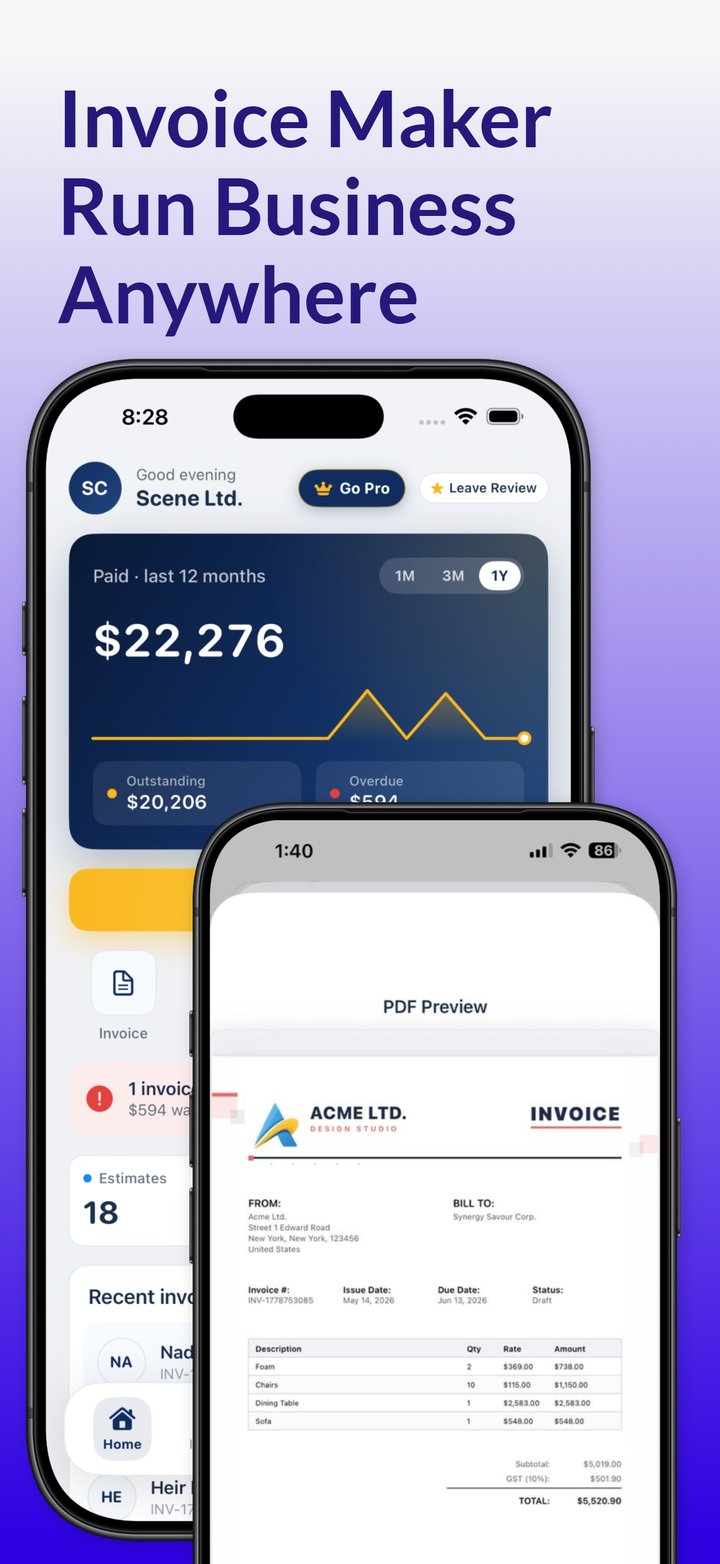
With the Invoicious invoice app on iPhone or iPad, the routine looks like this:
- Create the invoice from one of the professional invoice templates, with your logo and the client's saved details. Tax and discounts are calculated automatically.
- For a monthly client, duplicate last month's invoice for the new period.
- Send it as a PDF by email, Messages or another app, and paste in the subject line and message from the matching template above.
- Track whether it's unpaid, overdue or paid. Once it's paid, Invoicious generates a receipt to send with the thank-you email.
The app also works offline and supports multiple currencies, so you can prepare an invoice without a signal, in your client's currency.
Invoice from your phone the day the work is done. Invoicious creates the invoice, sends it as a PDF by email, Messages or another app, and shows which invoices are paid, unpaid or overdue.
Get Invoicious free