A recurring invoice, or recurring bill, is an invoice you send a client on a fixed schedule, usually monthly, for the same ongoing work, such as a retainer, a maintenance contract, rent or weekly cleaning. Each one gets its own invoice number and names the service period it covers, for example "Website maintenance, November 2026".
Key takeaways
- The schedule repeats; the paperwork doesn't. Each recurring invoice gets a new number, new dates and a description naming its service period.
- Decide advance or arrears upfront. Fixed fees such as retainers and rent are usually billed in advance; visit-based work such as cleaning, after.
- Prorate partial months by days. A $600 monthly fee starting November 12 is $600 ÷ 30 × 19 = $380 for November.
- Automatic charges need the customer's authorization. In the US, Regulation E and ROSCA add rules for consumer bank debits and online subscriptions.
- Put every change in writing: price rises with notice, pauses with dates, extras on their own line.
What is a recurring invoice?
A recurring invoice bills the same client for the same ongoing service at regular intervals. The client, fee and payment terms stay the same; the invoice number, dates and service period change each time.
Recurring billing is the arrangement behind it: an agreement to bill a client every week, month or year. To the client, each invoice is a recurring bill, like a monthly phone bill. They pay each one when it arrives, unless they've authorized you to charge a saved card or bank account. That's automated recurring billing, which has its own rules.
When to use recurring billing
Recurring billing fits work you do for the same client on a regular cycle, at a price agreed in advance:
| Use case | What each invoice covers | Common schedule |
|---|---|---|
| Retainer (marketing, design, IT support) | An agreed block of hours or deliverables | Monthly, in advance |
| Maintenance contract | Website, equipment or building upkeep | Monthly or quarterly, in advance |
| Rent | A home, office, storage unit or desk | Monthly, in advance |
| Tutoring | A weekly lesson slot, or the lessons taken | Monthly in advance, or in arrears |
| Cleaning | Scheduled visits | Weekly, every two weeks or monthly, in arrears |
| Bookkeeping | Month-end close, reconciliations, payroll runs | Monthly, in advance or in arrears |
If the amount swings month to month, as with ad hoc hourly work, still invoice on the same day each month, but build each invoice from that month's hours rather than copying the last.
Recurring invoices vs subscription billing vs installment billing
All three involve repeat payments. They differ in who starts each payment and whether the total is known upfront.
| Recurring invoices | Subscription billing | Installment billing | |
|---|---|---|---|
| What it is | A new invoice for each period of ongoing work | A plan that renews and charges automatically | One price split into a set number of payments |
| Who starts each payment | The client pays each invoice | You charge a saved card or account | The client pays each installment, or authorizes automatic debits |
| When it ends | When either side ends the agreement | When the customer cancels | When the total is paid |
| Total known upfront | No | No | Yes |
| Typical uses | Retainers, maintenance, rent, cleaning | Software, memberships, subscription boxes | Equipment, courses, large projects |
One US rule applies to installment plans: if you regularly (more than 25 times a year) give consumers credit with a finance charge, or payable by written agreement in more than four installments, you may be a creditor under the Truth in Lending rules (Regulation Z, section 1026.2) and owe its disclosures.
How to set up a recurring bill
Agree the terms in writing first: the fee, what it covers, the billing day, the payment terms and how either side can change or end it. Then use the same invoice template every time so the client recognizes it. The complete invoicing guide covers the fields every invoice needs.
Pick a frequency
Monthly is the most common cycle for retainers, maintenance and rent. Weekly or every two weeks suits cleaning and lessons; quarterly or yearly suits support contracts. "Every four weeks" isn't "monthly": a year holds 13 four-week cycles, so a $600 fee comes to $7,800 a year, not $7,200. Say which you mean.
Choose a billing day
Pick a day you can stick to, such as the 1st, and avoid the 29th to the 31st, which some months don't have. If a client starts mid-cycle, prorate the first invoice (see the worked example), then bill on the regular day.
Bill in advance or in arrears
Billing in advance means sending November's invoice on November 1. It suits fixed fees such as retainers, rent and maintenance, and you're paid before most of the work is done. Billing in arrears means invoicing after the period, such as on November 30 for November's cleaning visits, and suits amounts that depend on what happened. One invoice can mix both: this month's fee in advance, last month's extras in arrears.
Set payment terms
For advance billing, keep terms short, such as due on receipt or within 7 to 14 days. For arrears billing between businesses, net 15 or net 30 terms are common. Print the actual due date, not just the term.
Number each invoice separately
Every recurring invoice needs its own number. UK government guidance, for example, lists a unique identification number among the things an invoice must include. With one running sequence across all clients, a single client's invoices won't be consecutive: November might be INV-2026-131 and December INV-2026-158. That's normal. See how to number invoices for formats.
Name the service period in the description
The same GOV.UK list asks for a clear description of what you're charging for and the date the service was provided. Naming the period covers both, and answers "Haven't I already paid for this?" before the client asks:
| Vague | Clear |
|---|---|
| Monthly retainer | Social media management, November 2026 (12 posts, 1 report) |
| Maintenance | Website maintenance, November 2026 |
| Cleaning services | Office cleaning, 4 visits: Nov 3, 10, 17 and 24 |
| Bookkeeping | Bookkeeping, October 2026 month-end close |
Price changes, pauses and partial months
Raising your price
Send written notice with the current price, the new price and the start date. Thirty days is a reasonable minimum for business clients unless your agreement says otherwise: to raise a $600 monthly fee to $650 from January 1, 2027, give notice by December 1, 2026. Keep the description identical so only the price changes.
If you automatically debit a US consumer's bank account, Regulation E requires written notice of a changed amount and its date at least 10 days before the debit, unless the consumer chose to hear only about payments outside an agreed range or change.
Pausing service
If a client pauses, for example over the holidays, confirm the pause and restart dates in writing and don't invoice the paused period; numbering continues with your next invoice. If the client already paid in advance for a month you won't work, issue a credit note rather than editing or deleting the paid invoice.
Prorating a partial month: a worked example
Proration charges only for the days of service in a partial period. Say Larkspur Veterinary Clinic signs up for $600-a-month website maintenance starting Thursday, November 12, 2026:
- Days in the month: November has 30.
- Days of service: November 12 to 30, counting both, is 19 days.
- Daily rate: $600 ÷ 30 = $20.00.
- First invoice: $20.00 × 19 = $380.00, described as "Website maintenance, November 12–30, 2026 (19 of 30 days)".
From December 1 the client pays the full $600. Some businesses use a yearly daily rate instead: $7,200 × 19 ÷ 365 = $374.79, which is $5.21 less. Either works if your agreement names it and you use it every time. The same math covers a contract that ends mid-month: service ending February 10, 2027 is 10 of February's 28 days, so $600 × 10 ÷ 28 = $214.29.
Adding one-off extras
Put extra work on its own line below the regular fee, with dates, quantity and rate, such as "Extra: holiday boarding sign-up page, Nov 23–25, 6 hours at $75". Keep the recurring line word for word the same each month so what's new stands out, and agree the rate for extras upfront.
Automated recurring billing and saved cards
Automated recurring billing means charging the client's saved card or bank account on each billing date instead of waiting for them to pay. It cuts late payments but always needs the customer's authorization, and the rules depend on who and where the customer is. As of October 2026, in the US:
- Recurring debits from a consumer's bank account must be authorized in a writing the consumer signs or "similarly authenticates" (electronic authorization can qualify), and you must give them a copy. Consumers can also stop these payments through their bank (12 CFR 1005.10).
- Automatically renewing plans sold to consumers online must clearly disclose all material terms before you take billing details, get express informed consent before charging, and offer a simple way to stop the charges (Restore Online Shoppers' Confidence Act). In March 2026 the FTC asked for public comment on possible changes to its Negative Option Rule, and some states have their own automatic renewal laws, so check for updates.
- Card networks publish rules for merchants, and your payment processor's agreement may add conditions for stored cards and recurring charges. Read it before you save a client's card.
Business clients need a clear authorization too. Keep a signed record of the amount or how it's calculated, the frequency, the start date and how to cancel, and send an invoice or receipt for every charge. Rules vary by country and change over time, so check local law, your processor's terms or an accountant before you start.
Sample monthly invoice
Here's Larkspur Veterinary Clinic's December invoice: the monthly fee in advance, November's extra work in arrears. The 10% tax line is a placeholder; use your local rate, if tax applies.
Invoice
No. INV-2026-158
Issue date: December 1, 2026
Due date: December 15, 2026
Tidewater Web Care
41 Mill Street, Millbrook
Larkspur Veterinary Clinic
9 Orchard Avenue, Millbrook
| Description | Qty | Unit price | Amount |
|---|---|---|---|
| Website maintenance, December 2026 (updates, backups, uptime monitoring) | 1 | $600.00 | $600.00 |
| Extra: holiday boarding sign-up page, Nov 23–25, 2026 (hours) | 6 | $75.00 | $450.00 |
Payment terms: 14 days. Monthly fee billed in advance; extra work billed at $75 an hour in the month after it's done.
How to keep repeat clients paying on time
- Invoice on the same day every cycle. The client's accounts team learns the rhythm; a late invoice invites a late payment.
- Reuse one email subject format, such as "Invoice INV-2026-158: website maintenance, December 2026", so every invoice turns up in one search. These invoice email templates include a recurring one.
- Make paying easy. Put bank details or a payment link on every invoice.
- Check what's paid every week. One missed monthly invoice is easy to chase; three is a collections problem. An invoice tracker shows the pattern early.
- Agree a late-payment step upfront, such as pausing work when an invoice is 15 days overdue, and apply it every time.
Billing repeat clients in Invoicious
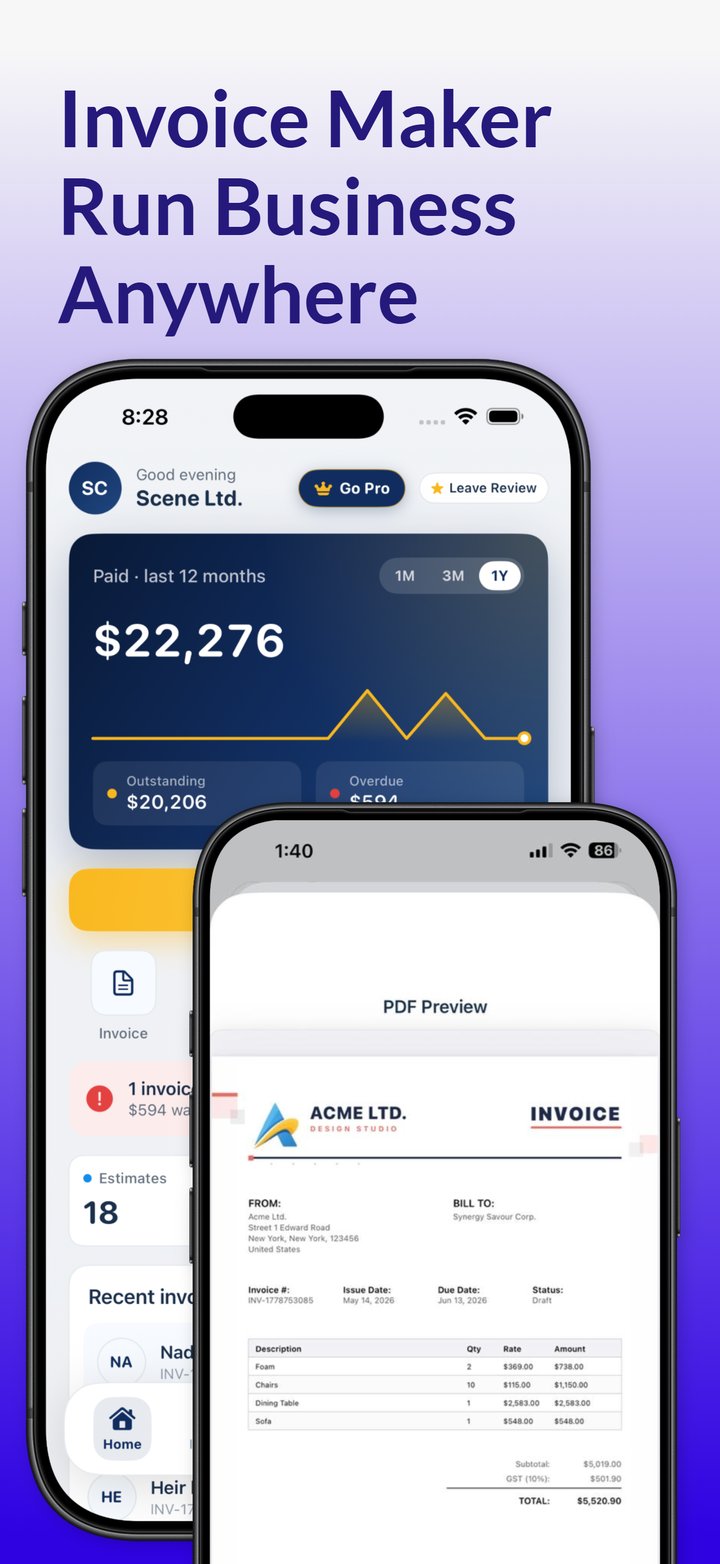
Invoicious doesn't create or send recurring invoices on a schedule, and it doesn't store or charge cards. It makes the repeat quick to do yourself: duplicate last month's invoice, check the invoice number, update the dates and service period, and add any extras. Send it as a PDF by email, Messages or another app, then track whether it's paid, unpaid or overdue; once it's paid, Invoicious generates a receipt. A repeating event in your iPhone's Calendar app makes a simple billing-day prompt.
The Invoicious invoice generator also saves client details, calculates tax and discounts, and handles multiple currencies for clients abroad.
Bill this month's repeat clients from your iPhone. Duplicate last month's invoice in Invoicious, update the service period and send it as a PDF.
Get Invoicious free