A paid invoice is an invoice the customer has settled in full, so the balance due is zero. To mark one as paid, record the payment date, the method, the transaction reference and the amount received, then update its status and send the customer a receipt or a copy marked PAID.
Skip the payment details and the trouble comes later: a client's accounts team asks for proof, an auditor asks what a bank deposit was for, or you chase someone who paid weeks ago. This guide covers the main invoice statuses, what to record, receipts, partial payments, the buyer's side and record keeping.
Key takeaways
- A paid invoice shows a zero balance and the date, method and reference of the payment. Its number, date and line items don't change.
- Mark an invoice paid once the funds have cleared, not when the client says the money is on its way.
- A receipt is separate proof of payment. Some customers accept a paid invoice instead; others need the receipt.
- With partial payments, the invoice stays open until the balance reaches zero.
- Minimum record-keeping periods vary: generally 3 years for the IRS, 5 to 6 in the UK, 6 in Canada and 5 in Australia.
What is a paid invoice?
A paid invoice is still the document you issued, with the same number, date and line items. What changes is its status and the payment record attached to it: when the money arrived, how it was paid and the reference that ties it to your bank statement.
The status matters on both sides: for you it closes a receivable, and for your customer it closes a bill in accounts payable. When the two records disagree, someone chases an invoice that was settled weeks ago, or pays it twice.
Invoice statuses explained: from draft to paid
Invoicing apps and accounting systems use similar statuses, though the labels vary: sent, open, unpaid, outstanding and pending usually mean the same stage.
| Status | What it means | Balance due | Your next step |
|---|---|---|---|
| Draft | Started but not issued; the customer hasn't seen it | Nothing owed yet | Check the details, then issue it |
| Sent (pending) | Issued and awaiting payment, not yet due | Full amount | Confirm it arrived and note the due date |
| Partially paid | Some of the money has been received | Reduced, above zero | Record each payment; follow up on the rest |
| Paid | Settled in full | $0.00 | Send a receipt and file the records |
| Overdue | Past the due date with money still owed | Full or remaining amount | Start your follow-up sequence |
| Void | Canceled and no longer payable | None | Keep it on file, marked VOID |
Statuses can overlap: an invoice can be partially paid and overdue at once. Some systems also use "written off" for debts you no longer expect to collect; before it comes to that, follow these steps for collecting overdue invoices.
Invoice draft vs issued invoice
An invoice draft is a work in progress: you can change anything, and it doesn't touch your books or your customer's. Once issued, the number and date are fixed, and corrections should go through a credit note, not an edit. Voided invoices stay on file for the same reason, so your numbering has no gaps. If a client checks a draft first, label it DRAFT so nobody pays it by mistake.
How to mark an invoice as paid
When money comes in, work through these steps:
- Confirm the funds have cleared. A "payment sent" email, a check in the mail or a pending transfer isn't money in your account yet.
- Match it to the right invoice. Use the amount, the payer and any invoice number in the reference. If one transfer covers several invoices, split it across each one.
- Record the payment details. Note the date received, the method (bank transfer, card, check, cash or a payment app) and the reference or transaction ID, such as a check number.
- Check the balance is zero. If it isn't, see the next section before you change anything.
- Update the status and the document. Set the status to paid, add a payment line and show "Balance due: $0.00". A PAID stamp or watermark on the PDF makes the status obvious when the file is forwarded or printed, though the payment details are what prove it.
- Confirm with the customer. Send a receipt or the paid invoice with a short thank-you.
- File it with the evidence. Keep it with the matching bank statement line and reconcile monthly; an invoice tracker makes that quick.
When the amount received doesn't match
- Processing fees. If a card processor keeps a fee, the customer has still paid in full. Record the full amount against the invoice and the fee as an expense.
- Short payments. If an international transfer arrives $15.00 short because a bank took a charge, absorb it or ask for the difference. Stating on your invoices that the payer covers all transfer charges makes it less likely next time.
- Overpayments and duplicates. If a client pays $1,200 on a $1,100 invoice, or pays twice, the invoice is paid and the extra is a credit you owe them. Refund it or apply it to their next invoice, and confirm which in writing.
Sample paid invoice
Cedar & Slate Web Studio invoiced Brightwater Physio Clinic on 30-day terms, and the clinic paid early by bank transfer:
Invoice
No. INV-2026-118
Status: PAID
Issue date: 2 October 2026
Due date: 1 November 2026
Paid on: 16 October 2026
Cedar & Slate Web Studio
410 Larch Avenue, Millbrook
Brightwater Physio Clinic
72 Quarry Lane, Millbrook
| Item | Qty | Unit price | Amount |
|---|---|---|---|
| Home page design | 1 | $950.00 | $950.00 |
| Inner page design | 6 | $150.00 | $900.00 |
| Page copy | 7 | $65.00 | $455.00 |
| Booking form setup | 1 | $180.00 | $180.00 |
PAID IN FULL. $2,683.80 received by bank transfer on 16 October 2026, reference TRF-58213604. Receipt RCT-0063 issued the same day. Original terms: net 30.
The number, dates and line items match what the clinic received. The payment line and note give the date, amount and reference, so either business can find the transaction on a bank statement, and the receipt number ties the two documents together. For other layouts, browse these customizable invoice templates.
Paid invoice vs receipt
A receipt is proof of payment issued after the money arrives. A paid invoice is the original request for payment, updated to show it was settled. They overlap, but they are different documents:
| Paid invoice | Receipt | |
|---|---|---|
| Purpose | Shows what was billed and that it was settled | Confirms that you received a payment |
| When it's created | Issued before payment, updated after | After payment |
| Number | Keeps the original invoice number | Has its own number and references the invoice |
| Key details | Line items, tax, total, payment line, $0.00 balance | Amount, date, method, reference and who paid |
| Who asks for it | Accounts teams matching bills to payments | Employees claiming expenses, customers who paid cash |
A paid invoice is usually enough to close the bill. If the customer needs to claim the cost back from an employer or show they paid in cash, send a receipt. For how bills and statements fit in, see invoice vs bill vs receipt.
Showing partial payments
A partial payment leaves the invoice open. It stays partially paid until the balance reaches zero, and each payment gets its own line rather than one running total. Here is a $4,800.00 invoice paid in two installments:
| Date | Event | Method and reference | Balance due |
|---|---|---|---|
| 1 Sep 2026 | INV-2026-104 issued | n/a | $4,800.00 |
| 15 Sep 2026 | $2,000.00 received | Bank transfer, ref. 7731-0045 | $2,800.00 (partially paid) |
| 30 Sep 2026 | $2,800.00 received | Card, authorization 448190 | $0.00 (paid) |
On the invoice, list each payment under the total, such as "Less: payment received 15 Sep 2026, −$2,000.00", then the remaining balance. Send a receipt for each payment showing what is still owed, and put any installment plan in writing. If you accept less than the full amount to settle, record the difference with a credit note so the invoice closes at zero.
Invoice received and pending invoices: the buyer's side
What "invoice received" means
When a client replies "invoice received", they are confirming your invoice arrived, nothing more. An accounts payable team typically then logs it, checks it against the purchase order and what was delivered, approves it and schedules it into a payment run. Note the date of the reply, keep the invoice marked as sent and ask when payment is scheduled.
What a pending invoice means
From the buyer's side, a pending invoice has been received but not yet paid, usually because it is waiting for approval, a query or the next payment date. A pending payment is a transfer that has started but not settled. Neither is a paid invoice, so leave your status unchanged until the money clears.
In India, "pending" also has a GST meaning. Since 14 October 2024, the GST portal's Invoice Management System has let buyers accept, reject or keep pending the invoices their suppliers report, according to the GST Council's November 2024 newsletter. That choice feeds the buyer's input tax credit statement (GSTR-2B). It says nothing about whether the invoice has been paid.
What the customer needs as proof of payment
Your customer usually needs two things: evidence of what they bought and evidence that they paid. The invoice covers the first. A receipt, a paid invoice with payment details, or their own bank or card statement covers the second.
In the US, IRS Publication 583 counts paid bills, invoices, receipts and canceled checks among the supporting documents a business keeps. Without a canceled check, a bank or card statement may prove payment if it shows the amount, the payee's name and the date (plus the check number for a check). But proof of payment alone doesn't support a deduction, so the IRS says to keep the invoice too. In the UK, HMRC's list of records the self-employed must keep likewise includes receipts, bank statements and sales invoices.
So when you confirm a payment, include your business name, the customer's name, the invoice number, the amount, the date received, the method and the reference.
How long to keep paid invoices and payment records
Keep each paid invoice with its payment evidence for at least as long as your tax authority requires. As of October 2026, the general rules are:
| Country | General minimum | Source |
|---|---|---|
| United States | 3 years in most cases; 6 if you leave out income worth more than 25% of the gross income on your return; 7 if you claim a bad debt deduction; indefinitely if you don't file. Employment tax records: at least 4 years. | IRS |
| United Kingdom: sole traders | At least 5 years after the 31 January filing deadline for the tax year | HMRC |
| United Kingdom: limited companies | 6 years from the end of the last company financial year they relate to, longer in some cases | HMRC |
| United Kingdom: VAT records | Generally at least 6 years | VAT Notice 700/21 |
| Canada | 6 years from the end of the last tax year the records relate to | CRA |
| Australia | Most records 5 years, from when you prepared or obtained them or completed the transaction, whichever is later | ATO |
| India (GST) | 72 months from the due date of the annual return for the year | CGST Act, section 36 |
These are tax minimums. The IRS notes that insurers or creditors may want records kept longer, and a late return, audit or dispute can extend the period in most of these countries.
This is general information, not tax advice. Rules vary by country and change over time, so check with your tax authority or an accountant.
Tracking paid invoices in Invoicious
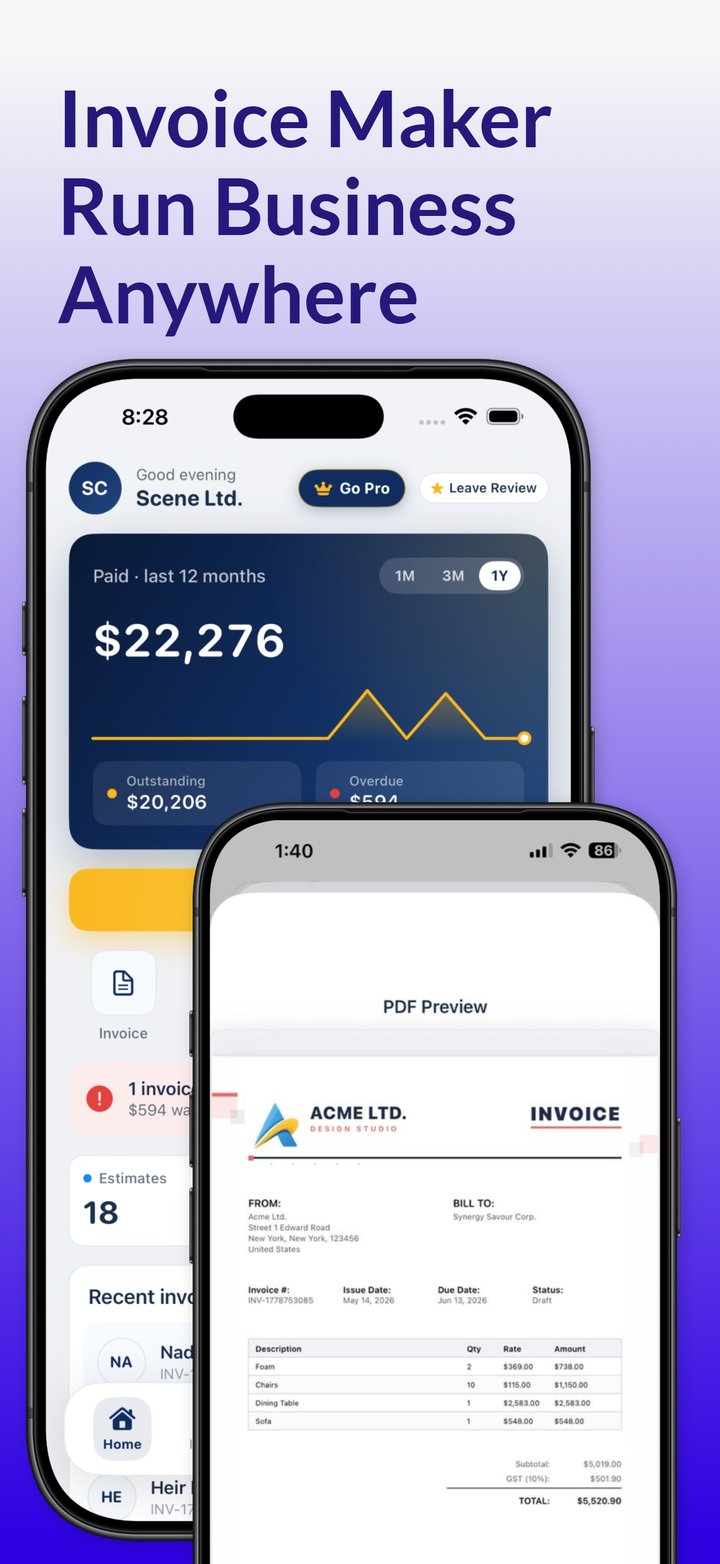
Invoicious tracks every invoice as paid, unpaid or overdue, so you can see who still owes you. Once an invoice is paid, the app generates a receipt you can send as a PDF by email, Messages or another app. It works offline and saves client details for repeat work. It's free to download, with optional Premium in-app purchases; see how the invoice generator app for iPhone and iPad works, or read the invoicing guide's section on tracking payments.
See which invoices are paid, unpaid or overdue. Invoicious tracks each invoice's status and generates a receipt once a client pays.
Get Invoicious free